Two Quick Strategies for Making LinkedIN Work for You from #BBSRadio and @LinkedInExpert
How do you feel about your interactions on LinkedIN? Do you get the return that you would like from your time there?
I hear many people talk about how they don’t understand how to effectively use LinkedIN, yet; I have found it to be a fantastic place for me to make business connections and connect with new clients.
Today, I’ll share two strategies that you can use right now to get more out of LinkedIN and I’ll introduce you to a few resources where you can learn more.
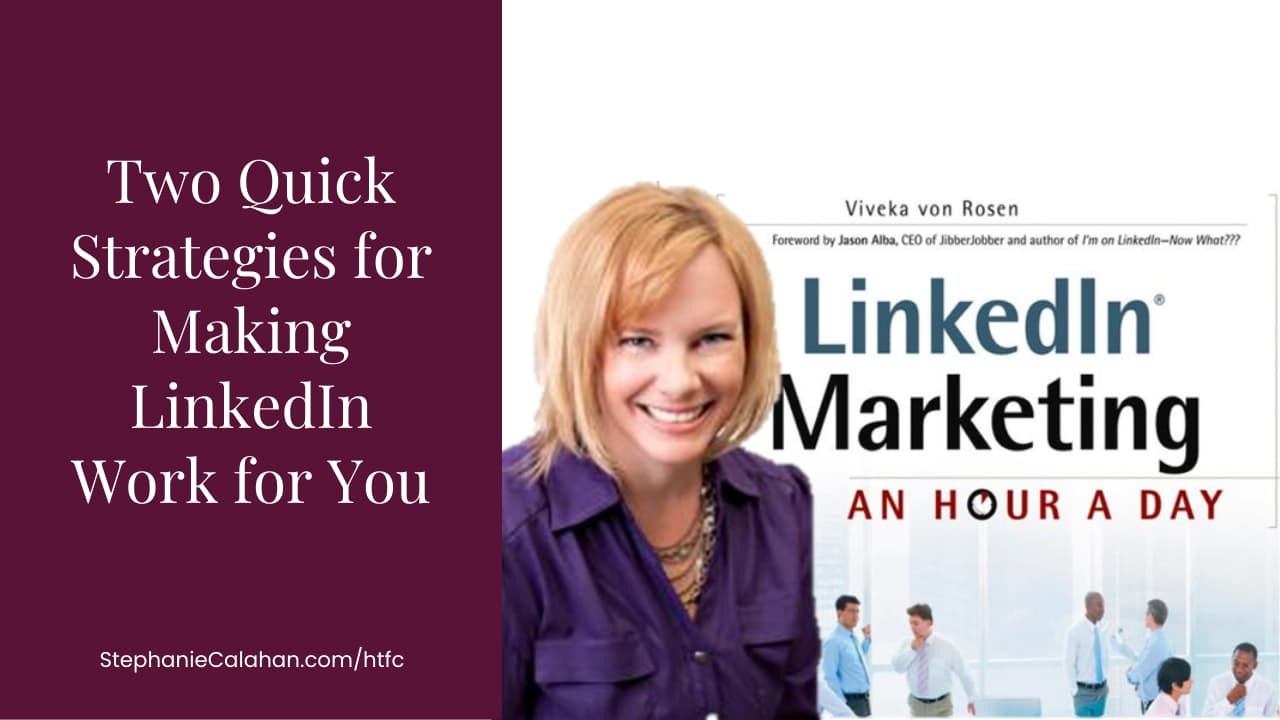
I’d like to introduce you to Viveka vonRosen author of LinkedIn Marketing: An Hour a Day*. I had the pleasure of spending some time with her on Breakthrough Business Radio today. She is a wealth of ideas on how to really leverage LinkedIN and I’m sharing two here today.
1 – Use Tags to Organize Your Contacts on LinkedIN
Did you know that you can tag your contacts on LinkedIN? You can tag or un-tag a connection from either a connection’s profile or from your contacts. Tags are simple keywords to help organize and sort your connections. You can find directions here.
Tags allow you to
- Filter – Tags allow you to quickly filter your contacts in your My Connections address book to quickly review contacts in a specific tag.
- Messaging – You can target your messages to people with a specific tag. Or you can use the All and None selection options to create a grouping of people to send a message to (e.g.: all contacts tagged “Illinois” and “Iowa” but not “partners”).
- Identification – When you view your contact, you can view their tags in the right-hand column, giving you a quick way to remember how you know the person.
2 – Consider Developing Relationships with “Doorway People”
LinkedIn allows you see connections two levels deep when you have a standard account (and more with the premium version). A “doorway person” is someone that you know is connected to the person that you would like to speak with or get to know.
Bonus Tips on Company Pages
- Just like people following you on twitter or liking your business page on Facebook, you can encourage LinkedIN users to follow your business page on LinkedIN without being personally connected to them on your profile.
- Recently, LinkedIN added the ability to have a banner on your company page. If you like creating your own graphics, 646 x 220 pixels is the size for the timeline style photo on company pages.
How do you use LinkedIN? I’d love to hear your tips and tricks too.
To your LinkedIn networking success!
To your easy and joyful success!
Stephanie
P.S. Let this settle and notice what is true for you. Every moment offers the opportunity to create the life you want with grace, ease, and joy. Let me know when you’re ready to explore possible next steps.
Connect with Stephanie
DISCLAIMER: THE INFORMATION PROVIDED IN THIS POST DOES NOT CONSTITUTE BUSINESS ADVICE. NO RELATIONSHIP, INCLUDING ADVISOR/CLIENT, HAS BEEN FORMED AS A RESULT OF THIS POST.
* Disclosure: Some of the links on this page are affiliate links. That means I may receive a small thank-you commission (at no additional cost to you) if you purchase a product from the mentioned company. I only refer you to programs run by people I know or have participated in, but please use your judgment to decide if this is right for you. If you would prefer I not receive the referral commission, feel free to search the company online and purchase directly.

Great information. I’m on LinkedIn, but I’m one of those people that doesn’t use it the way I should. I need to learn the most effective way to use it. I’ll check out some of the links you provided. Thanks for sharing.
I can appreciate that. I don’t use LinkedIn as well as we can either. We can learn together. Thanks for sharing your thoughts and I look forward to hearing what you do.
Thanks Stephanie, asking good questions always helps to get to the meat of things 😉 I love every Monday 😉
Yes mam! You consistently ask great questions of all of your guests. Glad I listen in. 🙂
Very helpful I’m going to upload business header and try these tips:-) thanks
Share your link here when you do! I’d love to see what you do.
I’ve got accounts with nearly all the social networking outlets, but certainly am not using them effectively! Thanks for breaking it down.
I know you would love the ebook that I mentioned in the resources section. Take it one step at a time and you’ll really see results!
Hi Stephanie,
I really appreciate your sharing these tips. Although I have a profile on LinkedIn, I have to admit, I haven’t utilized it as much as I should. It’s hard to keep up with all of these social media platforms and all the new changes that happen so rapidly.
I shared your tips on my business page on FB too.
Cindy – Thanks for sharing my post on Facebook. I appreciate it! There are a lot of other great tips in the resources I mentioned, so be sure to check those out too.
For me, getting the contacts I want seems to be a very time consuming business and I still don’t find what I want. I am trying to link up with a very specific type of person, those who run TESOL schools, where people go to study for TESOL qualifications before they go overseas to teach English, or people thinking of travelling to China, especially to teach.
The second part of my audience is just the general public, because my book is also a good read, but I think it is quite a unique book, I haven’t found another one quite like it.I have written a book about living in China, and how to overcome all the day to day hassles when you can’t speak any Chinese. But somehow I can’t seem to find the people I am after. If you have any tips about this I would be grateful. I seem to spend hours searching but not finding what I want.
The UBC is giving me much useful information, so it is working well.
Christine.
Christine – LinkedIN is a fabulous resource to connect with people that have very niched interests. I did a quick search on LinkedIn in the groups and found a number of groups that were specifically focused on TESOL.
Hi Christine –
I assume you are already using the Advanced Search? One of the biggest issues with LinkedIn is that I feel it inhibits connections by confining your network. Of course they do this so you will upgrade to a paid membership.
I have found that a useful network (1st, 2nd and 3rd levels) have at least ten million people in them. Less than that and the searches – as you have experienced – are rather restricted in ineffective.
If you go to http://www.toplinked.com and connect to some of the Top supporters: http://www.toplinked.com/toplinked.aspx you will grow your network size without connecting to too many people you don’t know.
I also wrote a blog post for authors you might find useful:
http://linkedintobusiness.com/24-ways-to-promote-your-book-on-linkedin/
Hope that helps
Viveka
This is filled with a wealth of information. Thank you so much. I had no idea that you could make a business page on LinkedIn.
Joanne – Be sure to check out the extra resources that I shared then, it goes into a lot more detail on the company pages.
So glad you all dropped by my blog. Thanks for taking the time to share your comments!
Thank you! That was so much fun yesterday! Love doing the radio show 🙂
Viveka